For the past few months, Splitwise has been hard at work making much-needed improvements to our Android app. We released a faster, less buggy build in late August, and since then we’ve devoted nearly all our developer resources to a pristine 3.0 candidate that we can’t wait to get into your hands.
To achieve Android awesomeness for 3.0, we needed to build a Gmail-style autocomplete field for selecting friends when creating expenses. I was expecting to find this fairly easy to do with the Android SDK. Lots of apps must need this need, and I was aware of the AutoCompleteTextView and MultiAutoCompleteTextView classes. How hard could it be?
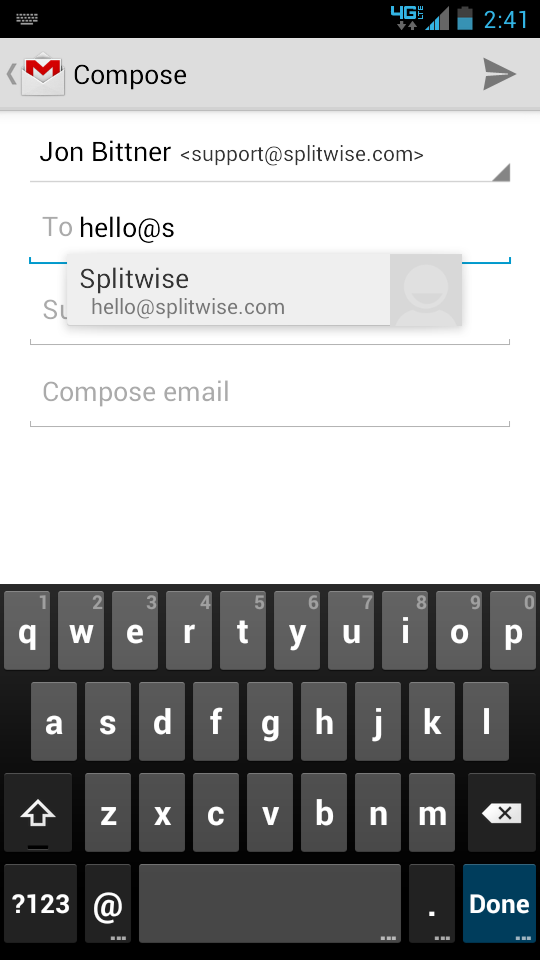
The short answer: Pretty darn hard! Hopefully, not anymore. We’ve just released an open-source version of the code on GitHub! Go grab the Splitwise TokenAutoComplete project to have your own wonderful, tokenized autocomplete view up and running in about half an hour. It works on Android versions all the way back to 2.2 (Froyo). More on my process below the fold.
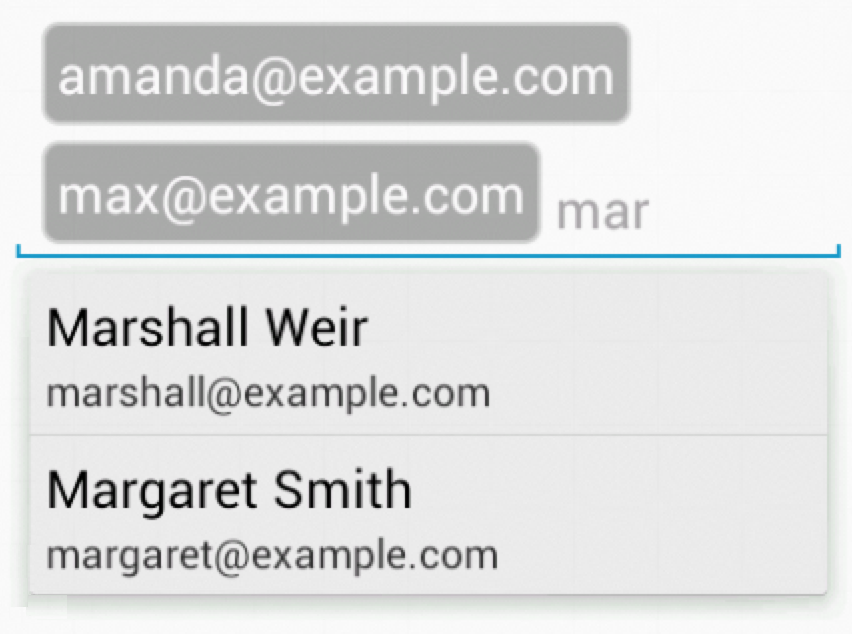
When I started to work on the token auto-complete (also called Chips or Bubble EditText), I found the MultiAutoCompleteTextView pretty good for doing autocomplete for word completion in text, but completely inadequate for selecting a couple items from a list, like you would in the “To:” field of an email.
Our Android users certainly don’t deserve ‘completely inadequate’ auto-completion, so I took the time to really get it right by tweaking various behaviors. There are a lot of fussy details on this kind of input that you don’t even notice until you mess them up. Ketan Parmar has a great simple implementation, but it has some issues under older versions of Android. Custom list filtering is also not simple, so I adapted code from Tobias Schürg based on Alexadr’s answer on stackoverflow.
I wanted to make sure I didn’t miss any odd edge cases in different Android OS versions. I had to work around a number of bugs in Froyo and Gingerbread and there are still some details missing in Honeycomb that aren’t quite right. Please let me know if you find any bugs or places where I’m inconsistent with the Gmail app behavior.
We are proud to open-source this code, because we have lots of sympathy for the other Android developers struggling to build world-class experiences. Building great Android apps is definitely still not as easy as it could be. Not to mention that we believe Splitwise is a fairness company – contributing to open source is absolutely an extension of what we believe. I want this project to help other developers avoid the slog I had to do to get this working.
I’ve put a lot of effort in using the existing components and style attributes as much as possible, and I think the places where I did custom work have enough flexibility to let people customize them as needed.
Please let me know if you’re using this code! I’d love to hear from anyone who found this useful (or not). Or, those of you who found a different way to execute this.